Utilization rate: how to calculate it for people and equipment
Utilization rate = hours worked on target work ÷ available hours × 100. Worked example for a 40-hour week with billable and non-billable time, how to choose available hours, and why 100% is not the goal.
Utilization = target hours ÷ available hours × 100. Someone with 29 billable hours in a 40-hour week has a billable utilization of 72.5%. Counting all assigned work (29 billable + 7 internal = 36 hours) gives a total utilization of 90%.
On this page
Utilization measures how much of the available time is spent on the work you care about, whether that’s billable client work for a consultant or running time for a machine.
The formula
utilization = target hours ÷ available hours × 100
Where target hours are the hours spent on the work being measured
Worked example
In a 40-hour week, a designer logs 29 hours on client projects, 7 hours on internal work (meetings, training, admin), and 4 hours without assigned work.
Billable utilization: 29 ÷ 40 × 100 = 72.5%
Try it: 29 billable hours of 40
Open in calculatorTotal utilization: (29 + 7) ÷ 40 × 100 = 90%
Try it: 36 assigned hours of 40
Open in calculator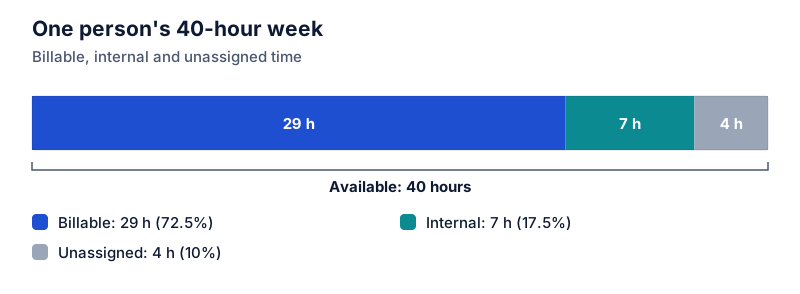
Choosing the available hours
The denominator changes the result a lot, so define it once and keep it:
- Scheduled hours. Contracted hours minus vacation, holidays and sick days. This is the most common choice.
- Hours worked. All logged hours, including overtime. Utilization can’t exceed 100%, but it hides overwork.
- Fixed standard. For example, 40 hours every week. Simple, but holiday weeks look like low utilization.
If the designer above took Friday off, available time would be 32 hours, and 29 billable hours would be 90.6% billable utilization.
Team utilization
Add up target hours and available hours across the team, then divide. Don’t average individual percentages, because people with fewer available hours would count as much as full-time staff. The reason is covered in averaging percentages.
Machines and equipment
The same formula works for equipment: running hours ÷ scheduled hours. A machine scheduled for 120 hours that ran for 102 has 85% utilization.
Why 100% isn’t the goal
At very high utilization, there’s no slack for urgent requests, so work queues up and delays grow. Teams also need time for training and improvement. Many organizations set a target well below 100% for these reasons.
Related
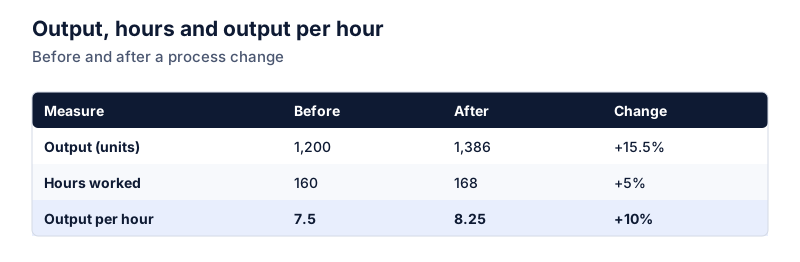
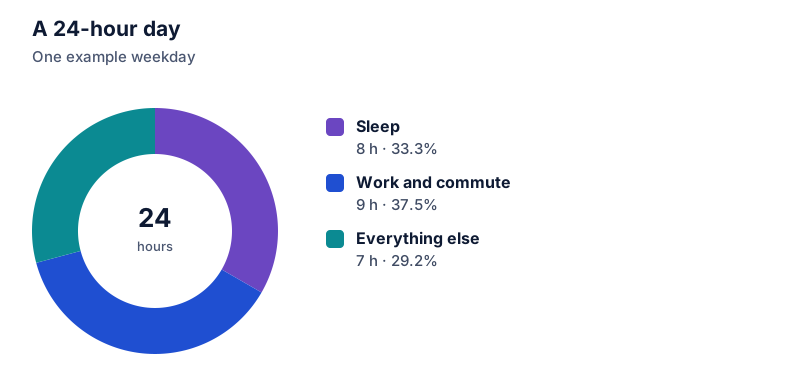
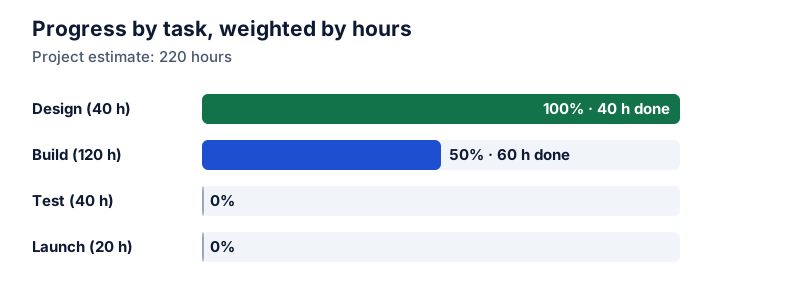
Utilization tracks time. To see whether that time produces more output, see productivity change. For converting hours to shares of a day or week, see time as a percentage, and for progress on the work itself, see project completion percentage.
Questions
What is a good utilization rate?
It depends on the role and the business. Client-facing roles often have higher billable targets than managers, who spend time on internal work. A target close to 100% leaves no room for training, admin or unexpected work, so most teams set it lower.
Should holidays and vacation count as available time?
Usually not. Subtract them first, so a week with one day off has 32 available hours rather than 40. Otherwise utilization drops in holiday weeks for reasons that have nothing to do with workload.
The calculator links in this guide are checked against the PercentSwift calculator every time the site is built. How we calculate explains the rounding rules. If you spot a mistake, email hello@percentswift.com.